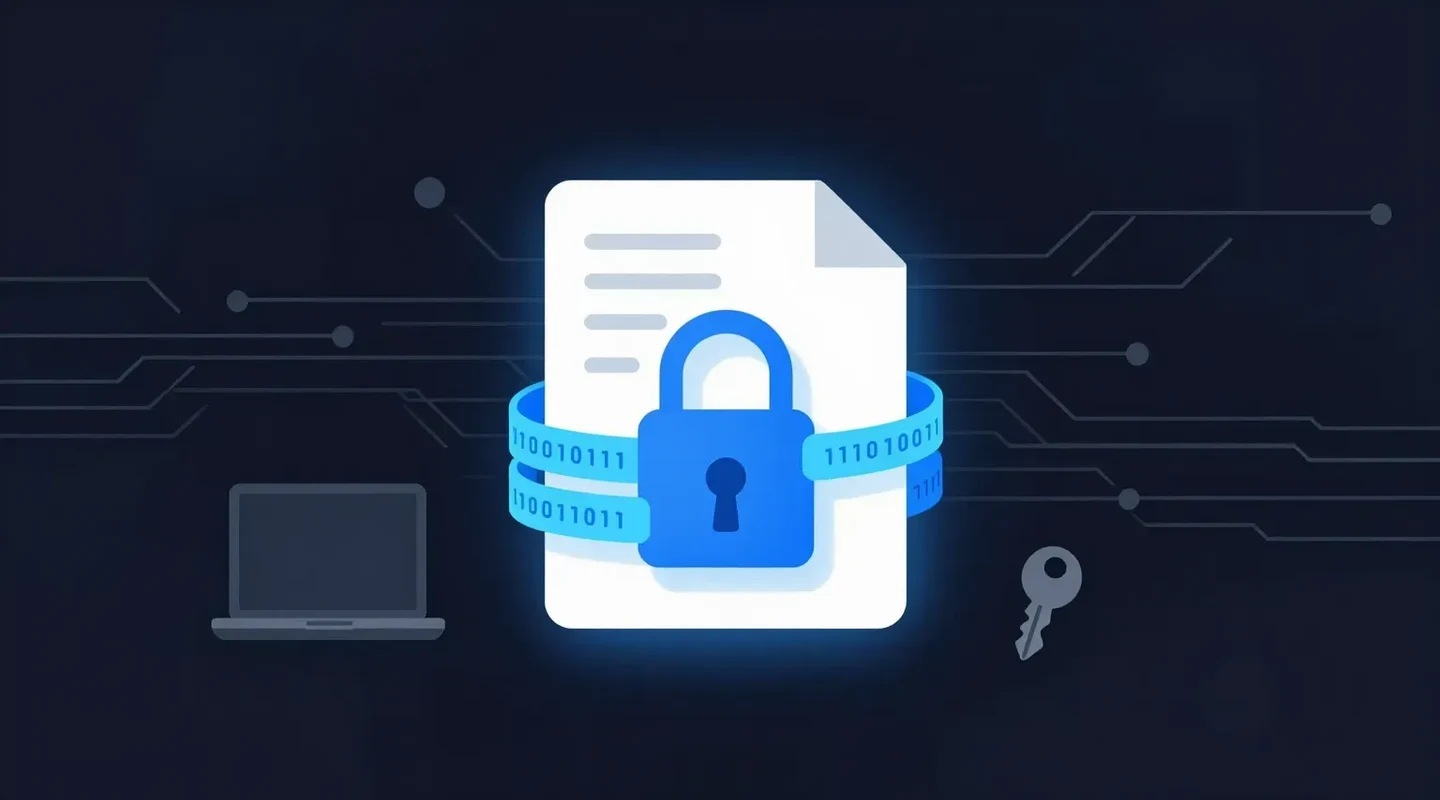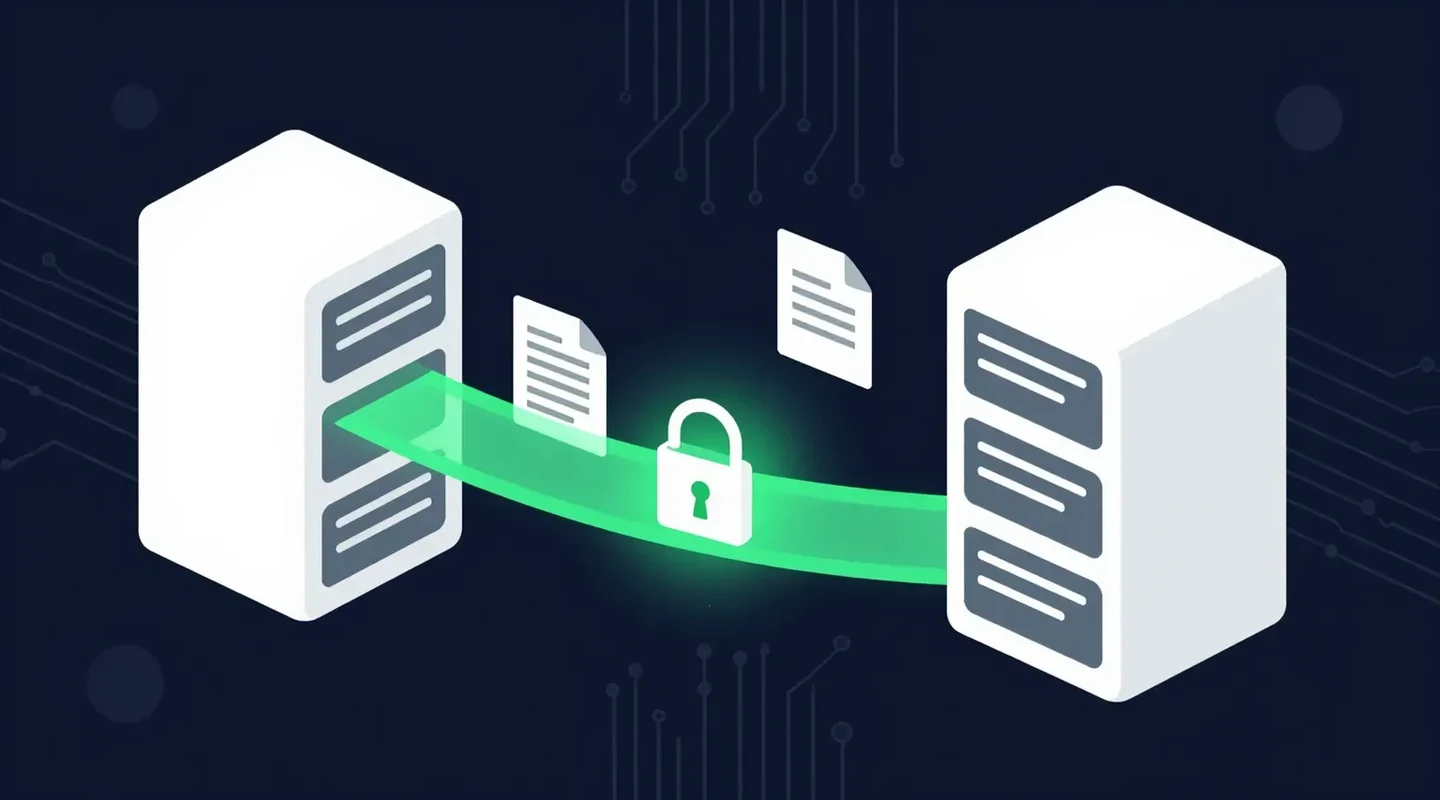
A laptop is left on a train. A shared folder is set to “anyone with the link”. A client’s tax return is emailed to the wrong address.
In each case, the question that decides whether this is an inconvenience or a reportable breach is the same: was the data encrypted? This guide explains why encryption is important, how it works, the difference between encryption in transit and at rest, and how to tell whether a service protects your files properly.
Quick Summary
- Encryption turns readable data into ciphertext that is useless without the right key.
- It protects privacy, makes stolen or misdirected data far less harmful, and supports privacy-law safeguards such as PIPEDA’s.
- Encryption in transit protects data as it moves; encryption at rest protects it while stored. You need both.
- The average data breach cost USD 4.44 million in 2025, according to IBM.
- When choosing a service, ask about TLS in transit, AES-256 at rest, who manages the keys, and what access controls exist.
In This Guide
- What Is Encryption and How Does It Work?
- Why Is Encryption Important? 7 Reasons
- What Is the Difference Between Encryption in Transit and at Rest?
- What Is the Difference Between Symmetric and Asymmetric Encryption?
- What Happens When Data Is Not Encrypted?
- How Can You Tell Whether a Service Encrypts Files Properly?
- How Does SureSend Protect Your Files?
- Frequently Asked Questions
- Sources
- The Bottom Line
What Is Encryption and How Does It Work?
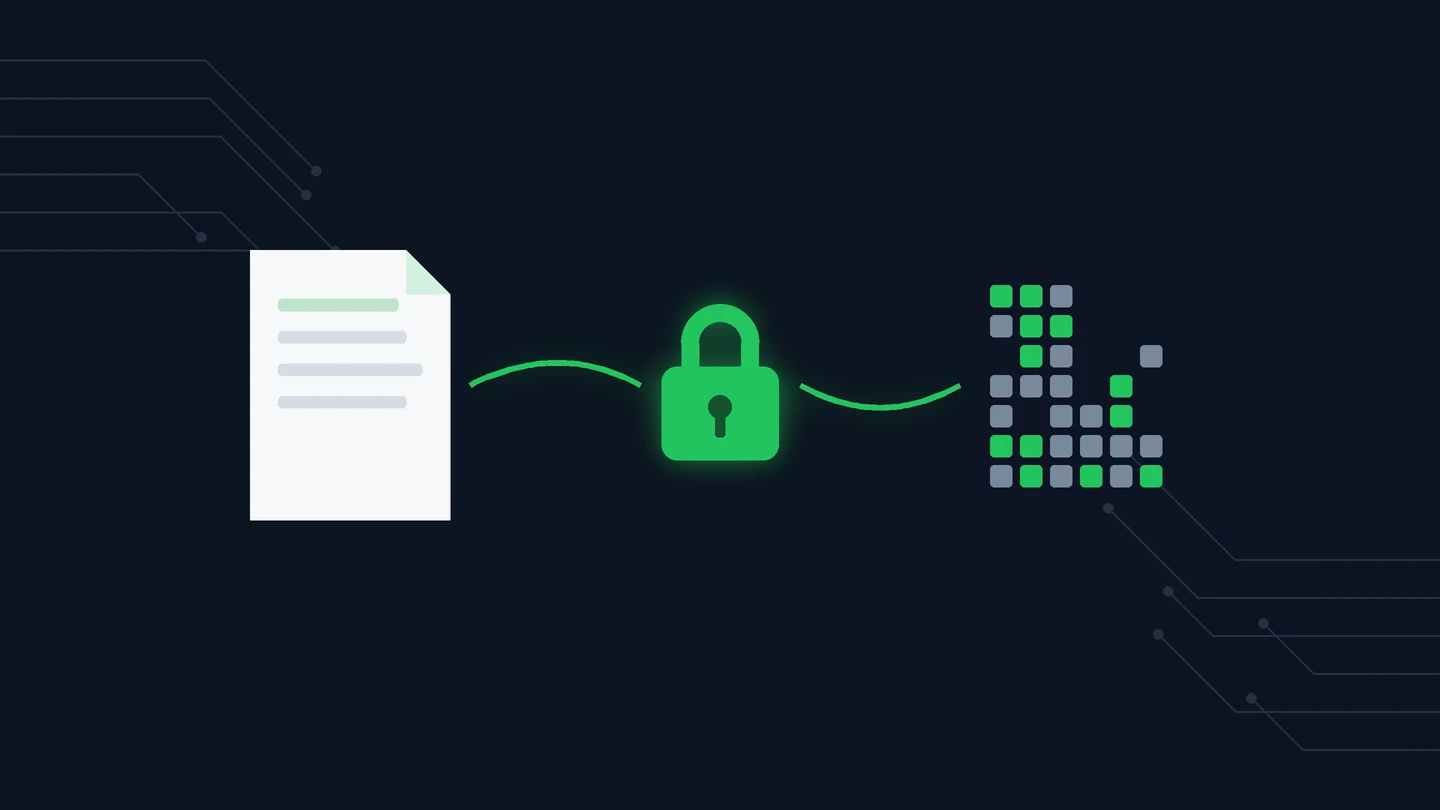
Encryption transforms readable data (plaintext) into scrambled data (ciphertext) using a mathematical algorithm and a key. Only someone with the right key can turn it back into readable form.
- Your file starts as readable data.
- An encryption algorithm, such as AES-256, scrambles it using a key.
- The result is unreadable to anyone without the key.
- An authorized person or system uses the key to decrypt it.
Modern algorithms like AES-256 are considered practically impossible to break by brute force with today’s computers. In practice, encryption fails through weak passwords, poor key handling, or data that was never encrypted in the first place. If you send PDFs, here is how to password protect a PDF with a strong passphrase and the right encryption setting.
Why Is Encryption Important? 7 Reasons
Encryption keeps data unreadable to anyone without the key, so stolen, lost or misdirected information stays protected. It also supports privacy-law compliance, remote work, client trust and data integrity.
1. It Protects Privacy
Banking details, medical records, and client files move across networks and sit on servers you do not control. Encryption keeps them unreadable to anyone who intercepts or stumbles on them.
2. It Makes Stolen Data Useless
If an attacker copies an encrypted database or a thief takes an encrypted laptop, they get ciphertext, not information. That can turn a serious breach into a contained incident. If you are not sure your own files are protected, here is how to encrypt a file on Windows or a Mac.
3. It Limits the Damage of Everyday Mistakes
Misdirected emails and oversharing are more common than hacks. A file that requires a passphrase to open is far less harmful when it lands in the wrong inbox. If your team uses Microsoft 365, here is how to encrypt email in Outlook before you press send.
4. It Supports Privacy Law Compliance
Canada’s PIPEDA requires security safeguards appropriate to the sensitivity of personal information, and regulators routinely point to encryption as one of those safeguards. Health custodians in Ontario have similar duties under PHIPA, and the GDPR and HIPAA set comparable expectations.
5. It Protects Remote and Hybrid Work
Employees connect from home networks, cafés, and hotels. Encrypted connections and encrypted devices keep company data safe wherever people work.
6. It Builds Client Trust
Clients increasingly ask how their information is handled. Being able to say that files are encrypted in transit and at rest is a straightforward, credible answer.
7. It Protects Data Integrity
Many encryption protocols also detect tampering, so you can trust that a contract or financial record has not been altered on its way to you.
What Is the Difference Between Encryption in Transit and at Rest?
Encryption in transit protects data while it moves between devices and servers, usually with TLS. Encryption at rest protects data while it is stored, usually with AES-256. You need both.
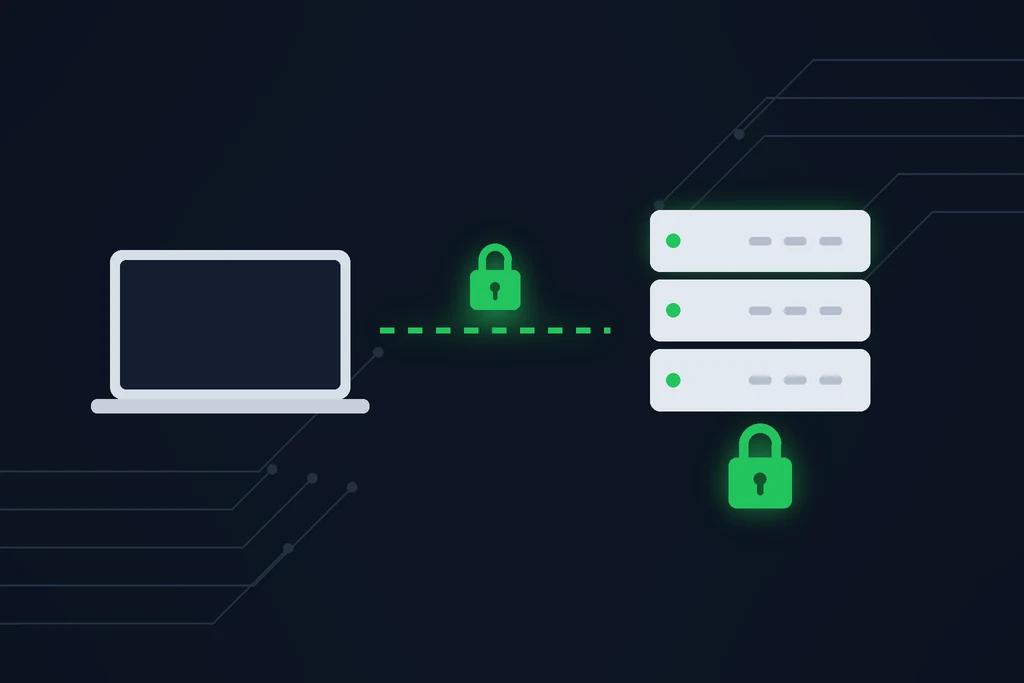
Encryption in transit protects data while it moves between devices and servers, typically using TLS, the same technology behind the padlock in your browser. Encryption at rest protects data while it is stored on a disk or server, typically using AES-256.
| Encryption in transit | Encryption at rest | |
|---|---|---|
| Protects data | While it moves across a network | While it is stored |
| Common standard | TLS | AES-256 |
| Stops | Interception on public Wi-Fi or compromised networks | Anyone who copies the storage or steals the device |
| Example | Uploading a file over HTTPS | An encrypted server, laptop, or backup |
You need both. Data that is encrypted in transit but stored in plain form is exposed the moment someone gets into the server, and vice versa. Gmail is a good example: it encrypts messages in transit with TLS, and our guide shows how to send a secure email in Gmail when that is not enough.
What Is the Difference Between Symmetric and Asymmetric Encryption?
Symmetric encryption uses one key to encrypt and decrypt. It is fast and used for files, databases, and storage; AES-256 is the best-known example. Asymmetric encryption uses a public and private key pair. It is used to exchange keys safely and to create digital signatures, and it is part of how TLS sets up a secure connection.
What Happens When Data Is Not Encrypted?
A lost laptop or misdirected file becomes a disclosure of readable personal information, which may have to be reported under PIPEDA and costs client trust. IBM puts the global average cost of a breach at USD 4.44 million.
IBM’s Cost of a Data Breach Report put the global average cost of a breach at USD 4.44 million in 2025. Beyond the direct costs, unencrypted data raises the stakes of every incident:
- A lost laptop or misdirected file becomes a disclosure of readable personal information.
- Under PIPEDA, breaches that create a real risk of significant harm must be reported to the Privacy Commissioner and to affected people.
- Clients and customers lose trust, and some do not come back.
- Staff time goes to investigation and cleanup instead of client work.
Our guide to document confidentiality covers the everyday habits that prevent these incidents.
How Can You Tell Whether a Service Encrypts Files Properly?
Ask four questions: is data encrypted in transit with TLS, is it encrypted at rest with AES-256, who manages the encryption keys, and who can open a shared file.
Most file-sharing services say they use encryption. Ask these questions to see what that actually means:
- Is data encrypted in transit? Look for TLS for every upload and download.
- Is data encrypted at rest? Look for AES-256 on stored files.
- Who manages the encryption keys? In an end-to-end model, only the sender and recipient hold keys. In a server-side model, the provider manages the keys and protects them with its own controls. Both are legitimate; make sure the provider tells you which one it uses.
- Who can open a shared file? Look for passphrases or other access controls, not just open links.
- Does access expire? Links that stay live forever are a long-term risk.
- Is there a record? You should be able to see when a file was retrieved.
For a practical comparison of sending methods, see how to send documents securely.
How Does SureSend Protect Your Files?
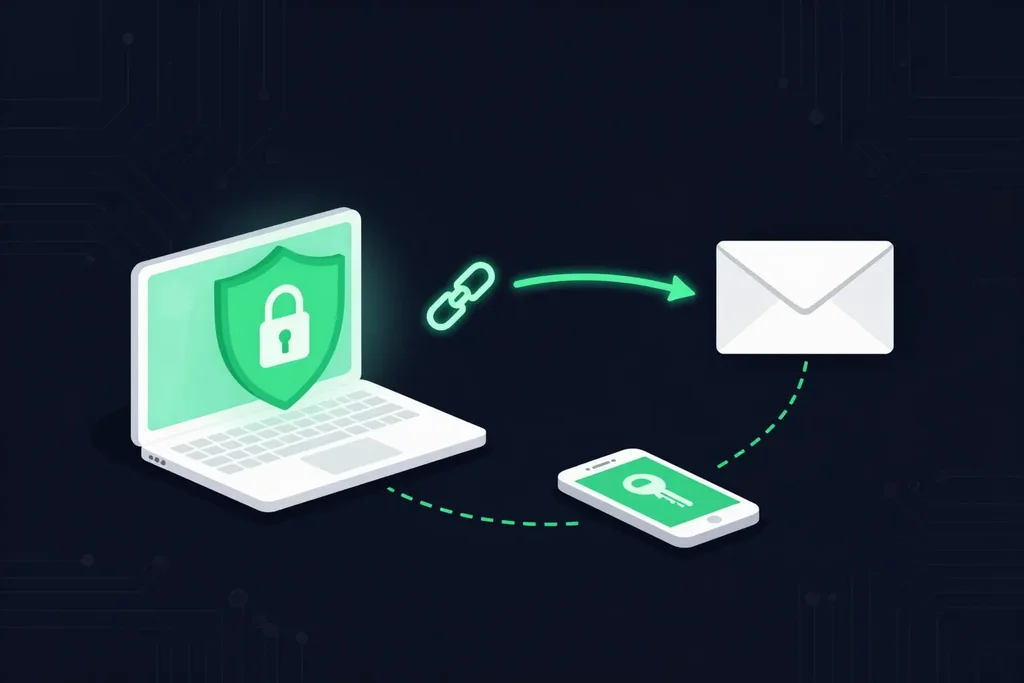
This is where SureSend comes into the picture. SureSend is a Canadian secure file transfer service that sends files through a passphrase-protected link that expires on a date you choose. SureSend uses server-side encryption: files are protected with TLS in transit and AES-256 encryption at rest, with encryption keys managed by SureSend. Here is exactly how it works:
- Create a transfer. Sign in, add one or more recipient email addresses, upload your files, and choose an expiry date of up to 21 days.
- Set a passphrase. SureSend emails each recipient a secure link, but the passphrase is never included in that email. You share it separately, by phone or text.
- The recipient downloads. They open the link, enter the passphrase, and download the files. They do not need a SureSend account.
- Track and control it. Your dashboard shows when the transfer is retrieved. You can cancel it before it is downloaded, and it expires automatically.
After you send, SureSend reminds you to share the passphrase separately, and your dashboard shows when each transfer is retrieved.
Encryption That Works the Way You Do
SureSend uses server-side encryption: TLS in transit and AES-256 encryption at rest, with keys managed by SureSend. Send up to 2 GB per transfer, protect it with a passphrase you share separately, set an expiry of up to 21 days, and see when it is retrieved. Your recipient needs no account. New subscribers get 30 days of Pro free, with no credit card required. Start sending securely for free.
Frequently Asked Questions
What is encryption at rest?
Encryption at rest protects data while it is stored on a server, disk, or device, usually with AES-256. If someone copies the storage, they get unreadable data.
What is encryption in transit?
Encryption in transit protects data while it moves between devices and servers, usually with TLS. It stops anyone on the network from reading the data as it passes.
Is encryption required by law in Canada?
PIPEDA does not name a specific technology, but it requires safeguards appropriate to the sensitivity of personal information. For sensitive data, regulators generally expect encryption to be part of those safeguards.
Is AES-256 secure?
Yes. AES-256 is a widely used standard for protecting sensitive data and is considered practically impossible to brute-force with current technology. Weak passwords and poor key handling are the real risks.
Does encryption slow things down?
Not noticeably. Modern devices and services encrypt data with minimal performance impact.
How does SureSend encrypt files?
SureSend uses server-side encryption: files are protected with TLS in transit and AES-256 encryption at rest, with encryption keys managed by SureSend. Each transfer is also protected by a passphrase you share separately and expires on the date you choose.
Sources
This article draws on the following sources.
- Office of the Privacy Commissioner of Canada. The Personal Information Protection and Electronic Documents Act (PIPEDA). priv.gc.ca
- IBM. Cost of a Data Breach Report. ibm.com
- Canadian Centre for Cyber Security. Baseline cyber security controls for small and medium organizations. cyber.gc.ca
The Bottom Line
Why is encryption important? Because it decides whether a lost laptop, a stolen database, or a misdirected file is a disaster or a non-event. Encrypt data in transit and at rest, and choose tools that are clear about how they do it.
Encrypt your files. Then send them the right way.