A financial adviser emails a client’s tax documents as a plain attachment. A manager saves a salary spreadsheet to a shared drive the whole company can see. An assistant replies-all on a thread with a signed contract attached.
None of these feels like a breach at the time. Each one is. This guide explains what document confidentiality means, which laws apply in Canada, the everyday ways confidentiality slips, and the practical steps that protect confidential documents without slowing your team down.
Quick Summary
- Document confidentiality means only authorized people can access a document, from creation to disposal.
- In Canada, PIPEDA and provincial laws such as PHIPA require safeguards that match the sensitivity of personal information.
- Most lapses are ordinary: misaddressed emails, open shared folders, forwarded attachments, and forgotten printouts.
- Protecting confidential documents takes classification, clear policy, access control, encryption, and secure sharing.
- Confidentiality statements and disclaimers set expectations, but they do not replace real safeguards.
In This Guide
- What Is Document Confidentiality?
- Why Does Document Confidentiality Matter?
- Which Documents Are Confidential?
- Which Laws Govern Document Confidentiality in Canada?
- How Is Confidentiality Breached Without Anyone Noticing?
- How Do You Protect Confidential Documents? 7 Best Practices
- What Is a Document Confidentiality Statement?
- How Does Secure File Transfer Protect Confidential Documents?
- What Should You Do If a Confidential Document Goes to the Wrong Person?
- Frequently Asked Questions
- Sources
- The Bottom Line
What Is Document Confidentiality?
Document confidentiality is the practice of making sure a document can only be accessed by people who are authorized to see it, at every stage of its life: when it is created, stored, shared, and eventually destroyed.
It overlaps with two related ideas. Privacy is a person’s right to control how their personal information is collected and used. Security is the broader set of systems that protect information from threats. Confidentiality sits between them: it is the promise that a specific document stays with the people meant to see it.
Why Does Document Confidentiality Matter?
A breach of confidential documents costs money, client trust and reputation, and can bring regulatory investigations. IBM puts the global average cost of a data breach at USD 4.44 million.
IBM’s Cost of a Data Breach Report put the global average cost of a breach at USD 4.44 million in 2025. For a small business, the bigger damage is often harder to measure:
- Lost client and customer trust
- Damage to your reputation
- Regulatory investigations and penalties
- Competitive harm if strategy or pricing leaks
- Real harm to the people whose information was exposed
Which Documents Are Confidential?
More than most teams assume. Treat these as confidential by default:
- Client and customer records, including contact details
- Financial statements, tax returns, and banking information
- Employee files, payroll records, and T4 slips
- Contracts, legal correspondence, and privileged communications
- Health information and medical records
- Trade secrets, pricing, and strategic plans
Which Laws Govern Document Confidentiality in Canada?
PIPEDA is the main federal law and requires safeguards appropriate to the sensitivity of personal information. Provincial laws such as Ontario’s PHIPA, professional rules, and foreign laws like the GDPR can add obligations.
- PIPEDA, Canada’s federal privacy law for private-sector organizations, requires security safeguards appropriate to the sensitivity of personal information.
- Provincial laws apply in some cases, including PHIPA for health information in Ontario and Quebec’s private-sector privacy law.
- Professional rules from law societies, CPA bodies, and health regulators add their own confidentiality obligations.
- Cross-border rules such as the GDPR and HIPAA can apply if you serve clients in Europe or handle US health information. The GDPR allows fines of up to €20 million or 4% of global annual turnover.
How Is Confidentiality Breached Without Anyone Noticing?
Most breaches of document confidentiality are not cyberattacks. They are routine actions:
- Auto-complete fills in the wrong recipient, and a file goes to someone outside the organization.
- Reply-all shares an attachment with people who should never have seen it.
- Shared folders are set to “anyone with the link” and never locked down again.
- Forwarding to personal email accounts takes a document outside your control entirely.
- Printouts are left on a shared printer or a desk.
- Old files are kept long after they are needed, so there is more to lose if an account is compromised.
How Do You Protect Confidential Documents? 7 Best Practices
Classify your documents, write a clear confidentiality policy, limit access, encrypt documents in transit and at rest, share through a secure channel, train your team, and keep only what you need.
1. Classify Your Documents
Decide which categories are confidential, internal, or public, and label them. People cannot protect what they cannot recognize.
2. Write a Clear Confidentiality Policy
Set out who can access each category, how it may be shared, how long it is kept, and how it is destroyed. Keep it short enough that people read it.
3. Limit Access to Who Needs It
Give access by role, not by convenience, and remove access promptly when someone changes roles or leaves.
4. Encrypt Documents in Transit and at Rest
Use encrypted storage and encrypted transfers for anything confidential. Our guide on why encryption is important explains the basics.
5. Use a Secure Channel to Share Documents
Replace plain email attachments with a transfer that has a passphrase, an expiry date, and a record. Here is how to send documents securely step by step.
6. Train Your Team Regularly
Short, practical training on the everyday mistakes above prevents more breaches than any technical control.
7. Keep Only What You Need
Set retention periods and securely dispose of documents you no longer need. Less data means less risk.
What Is a Document Confidentiality Statement?
A document confidentiality statement tells the reader that the content is confidential and how it may be used. You will usually see one on the cover or footer of a sensitive document, or as a disclaimer at the end of an email.
A simple document confidentiality statement might read:
“Confidential. This document contains information intended only for [recipient or organization]. It may not be copied, shared, or disclosed without written permission from [your organization].”
A typical email confidentiality disclaimer might read:
“This message and any attachments are confidential and intended only for the named recipient. If you received it in error, please notify the sender and delete it.”
These statements set expectations and can support your position if something goes wrong. They do not, however, prevent a breach. A disclaimer on a misdirected email does not undo the disclosure, so pair statements with real safeguards.
How Does Secure File Transfer Protect Confidential Documents?
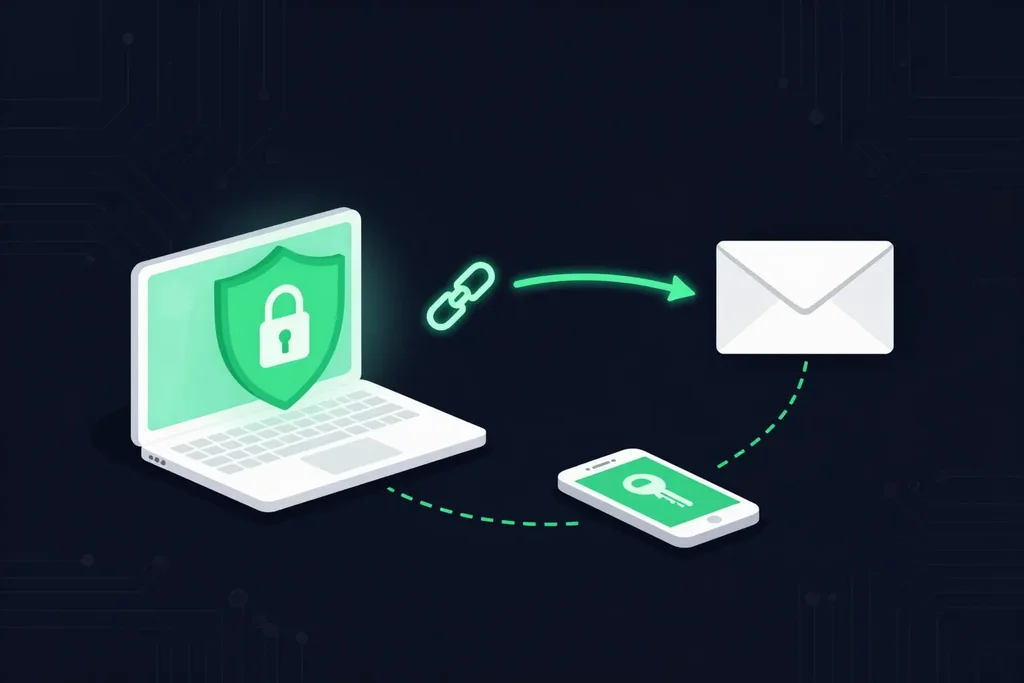
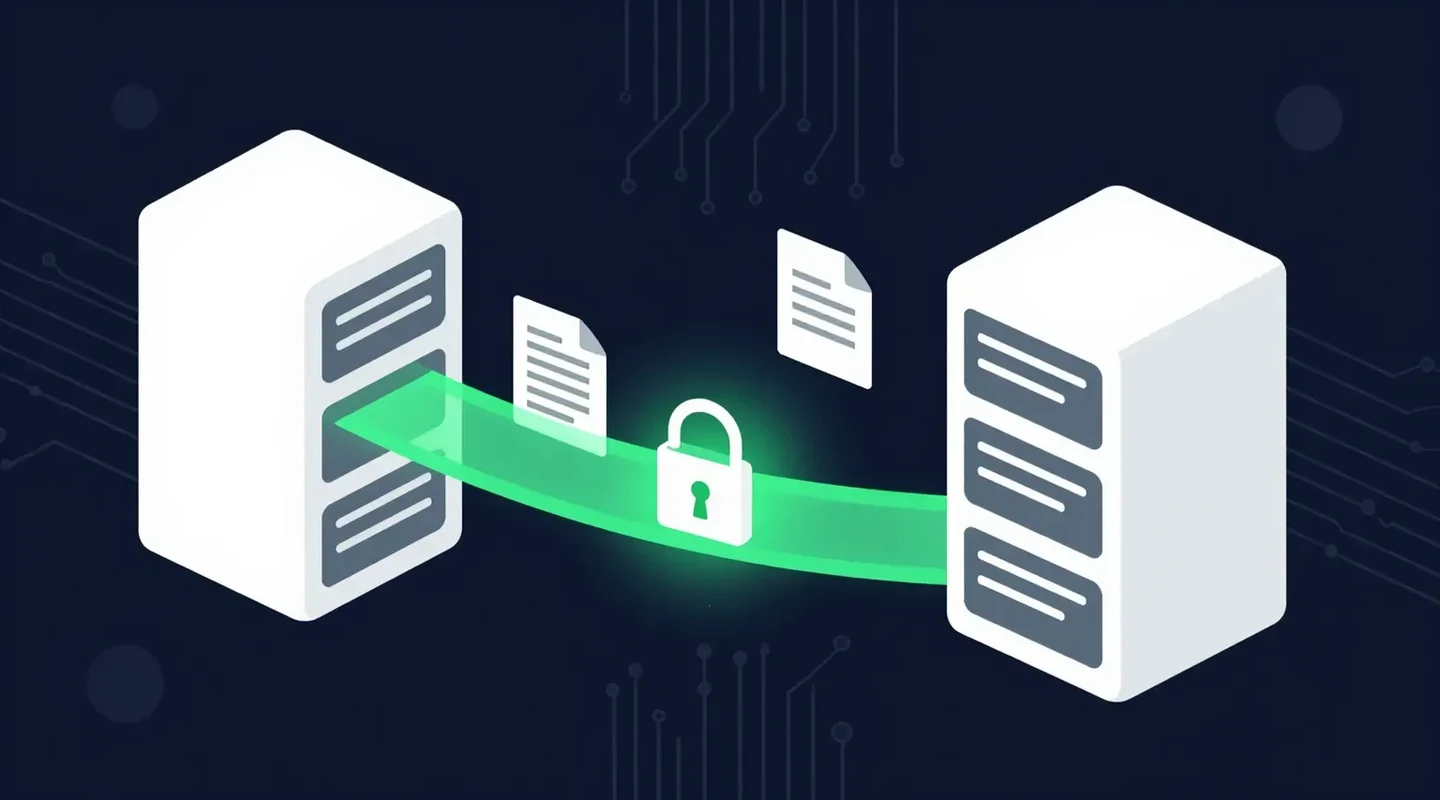
One of the most vulnerable moments for a confidential document is when it leaves your organization. This is where SureSend comes into the picture. SureSend is a Canadian secure file transfer service that sends files through a passphrase-protected link that expires on a date you choose. SureSend uses server-side encryption: files are protected with TLS in transit and AES-256 encryption at rest, with encryption keys managed by SureSend. Here is exactly how it works:
- Create a transfer. Sign in, add one or more recipient email addresses, upload your files, and choose an expiry date of up to 21 days.
- Set a passphrase. SureSend emails each recipient a secure link, but the passphrase is never included in that email. You share it separately, by phone or text.
- The recipient downloads. They open the link, enter the passphrase, and download the files. They do not need a SureSend account.
- Track and control it. Your dashboard shows when the transfer is retrieved. You can cancel it before it is downloaded, and it expires automatically.
After you send, SureSend reminds you to share the passphrase separately, and your dashboard shows when each transfer is retrieved.
Keep Confidential Documents Confidential
SureSend uses server-side encryption: TLS in transit and AES-256 encryption at rest, with keys managed by SureSend. Send up to 2 GB per transfer, protect it with a passphrase you share separately, set an expiry of up to 21 days, and see when it is retrieved. Your recipient needs no account. New subscribers get 30 days of Pro free, with no credit card required. Start sending securely for free.
What Should You Do If a Confidential Document Goes to the Wrong Person?
Ask the recipient to delete it and confirm in writing, notify your privacy officer, assess whether PIPEDA requires a report, cancel the transfer if it has not been downloaded, and fix the cause.
- Contact the recipient immediately, ask them to delete it, and get confirmation in writing.
- Notify your privacy officer or manager.
- Assess whether the incident must be reported. Under PIPEDA, breaches that pose a real risk of significant harm must be reported to the Privacy Commissioner and the affected people, and every breach must be recorded.
- If you sent it with SureSend and it has not been downloaded yet, cancel the transfer from your dashboard.
- Fix the cause so it cannot happen the same way again.
Frequently Asked Questions
What is document confidentiality?
It is the practice of ensuring a document can only be accessed by authorized people throughout its life, from creation and storage to sharing and disposal.
What is the difference between confidentiality, privacy, and security?
Confidentiality keeps specific information with authorized people. Privacy is a person’s right to control their personal information. Security is the wider set of systems that protect information from threats.
What should a document confidentiality statement include?
State that the document is confidential, who it is intended for, and that it may not be copied or shared without permission. Keep it short and place it where readers will see it.
Does an email confidentiality disclaimer protect me legally?
It sets expectations and may help show intent, but it does not prevent a breach or replace the safeguards privacy laws require.
How does SureSend protect confidential documents?
SureSend uses server-side encryption: files are protected with TLS in transit and AES-256 encryption at rest, with encryption keys managed by SureSend. Each transfer uses a passphrase shared separately, expires on your schedule, and shows when it was retrieved.
Sources
This article draws on the following sources.
- Office of the Privacy Commissioner of Canada. The Personal Information Protection and Electronic Documents Act (PIPEDA). priv.gc.ca
- IBM. Cost of a Data Breach Report. ibm.com
- European Union. General Data Protection Regulation, Article 83. gdpr-info.eu
The Bottom Line
Document confidentiality is rarely lost in a dramatic hack. It is lost one attachment, one shared link, and one forgotten printout at a time. A clear policy, sensible access, and a secure way to share documents close most of those gaps.
Protect the document. Then send it the right way.