An employee joins a video call with the company’s chief financial officer and several colleagues. The request is urgent and confidential, the faces and voices are familiar, and the employee makes the transfers. Every other person on the call was a deepfake.
That happened to engineering firm Arup in 2024, at a cost of US$25 million. It is one of the clearest examples of how AI is changing cyberattacks. This guide explains what AI malware is, how attackers use AI today, and the practical steps that protect a business.
Quick Summary
- AI malware is malicious software that uses artificial intelligence, for example to rewrite its own code or generate commands on the fly.
- Attackers also use AI to write convincing phishing emails, clone voices and faces, and speed up reconnaissance.
- Google’s threat intelligence team has reported malware families that call large language models while they run, including an experimental one that rewrites itself.
- Many AI-powered attacks still depend on stolen credentials, rushed payments, and exposed data.
- Verification callbacks, MFA, behaviour-based detection, and limiting exposed files remain the most effective defences.
In This Guide
What Is AI Malware?
AI malware is malicious software that uses artificial intelligence as part of how it works. Instead of relying only on fixed, hard-coded behaviour, it may use an AI model to generate code, change its appearance to avoid detection, or decide what to do next based on the system it lands on.
The term is also used more broadly for attacks where AI helps the attacker, even if the malware itself is conventional: AI-written phishing, deepfake calls, and automated scanning for weaknesses.
How Do Attackers Use AI Today?
Attackers use AI to write more convincing phishing, clone voices and faces for deepfake calls, build malware that calls AI models while it runs, and speed up reconnaissance and exploitation.
1. More Convincing Phishing
AI tools write fluent, personalized messages in any language, removing the spelling mistakes and awkward phrasing that used to give phishing away.
2. Deepfake Voice and Video
Attackers clone the voices and faces of executives from public videos and use them to request payments or credentials. The Arup case showed that even a multi-person video call can be faked convincingly.
3. Malware That Uses AI While It Runs
The Google Threat Intelligence Group has reported malware families, such as PROMPTFLUX and PROMPTSTEAL, that query large language models during execution. PROMPTFLUX, an experimental dropper, asked an AI model to rewrite its own code regularly to evade detection. Google described it as likely still in development, but an early sign of where malware is heading.
4. Faster Reconnaissance and Exploitation
AI helps attackers research targets, summarize stolen data, and find weaknesses faster, which shortens the time between a flaw being published and it being exploited.
Is AI Malware Harder to Detect?
It can be. Malware that changes its own code defeats defences that look only for known signatures. That is why modern endpoint protection focuses on behaviour: what a program does, such as encrypting many files or contacting unusual servers, rather than what it looks like. Keeping systems patched also removes many of the openings AI-assisted attackers look for.
How Can You Protect Your Business From AI-Powered Attacks?
Verify payment and data requests by calling a known number, use multi-factor authentication everywhere, run behaviour-based endpoint protection, train staff on deepfakes, and limit how many sensitive files sit in inboxes.
- Verify payment and data requests out of band. Call back on a known number before acting on any urgent request for money, credentials, or files, no matter how convincing the email, call, or video.
- Use multi-factor authentication everywhere, so stolen passwords are not enough.
- Use behaviour-based endpoint protection and keep devices and software updated.
- Train staff on deepfakes and AI phishing, including agreed code words or callback rules for sensitive requests.
- Limit what is exposed. Files that sit in inboxes or open links are there for anyone who compromises an account. Share sensitive files with passphrases and expiry dates.
- Plan for incidents, including who to call and your privacy reporting obligations.
For a practical starting list, see our guide to cybersecurity for small business. To understand why encrypted files stay protected even when stolen, read why encryption is important.
What Do AI Threats Mean for File Sharing?
Many AI-assisted attacks aim for the same prize: sensitive files and the accounts that hold them. If a mailbox is compromised, every attachment in it is exposed. Good document confidentiality habits limit what is sitting there to be taken. A transfer that expires, needs a passphrase shared separately, and can be cancelled limits how much an attacker can reach, even after an account is breached.
How Does SureSend Reduce Your Exposure?
This is where SureSend comes into the picture. SureSend is a Canadian secure file transfer service that sends files through a passphrase-protected link that expires on a date you choose. SureSend encrypts every file while it’s sent and while it’s stored (TLS in transit, AES-256 at rest). Here is exactly how it works:
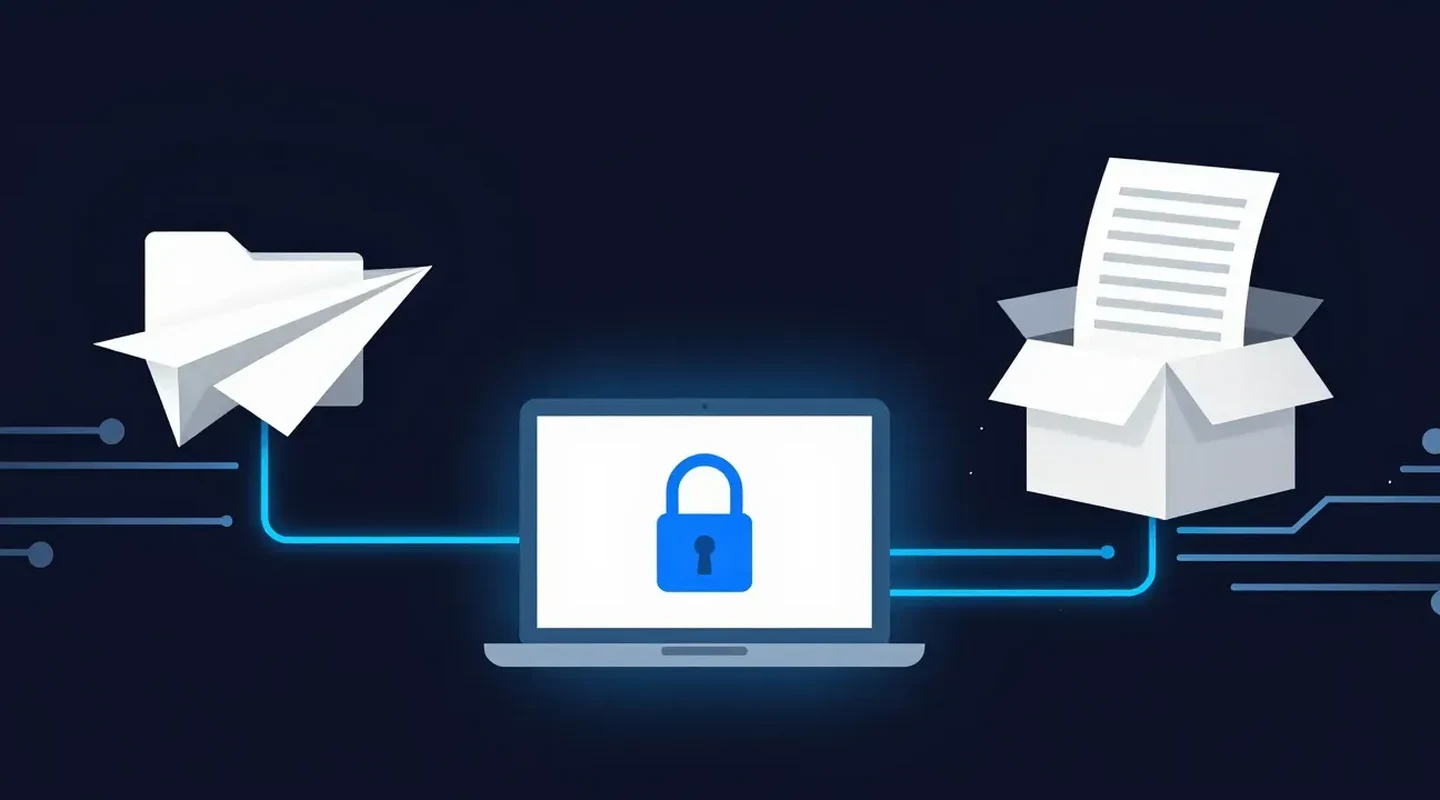
- Create a transfer. Sign in, add one or more recipient email addresses, upload your files, and choose an expiry date of up to 21 days.
- Set a passphrase. SureSend emails each recipient a secure link, but the passphrase is never included in that email. You share it separately, by phone or text.
- The recipient downloads. They open the link, enter the passphrase, and download the files. They do not need a SureSend account.
- Track and control it. Your dashboard shows when the transfer is retrieved. You can cancel it before it is downloaded, and it expires automatically.
After you send, SureSend reminds you to share the passphrase separately, and your dashboard shows when each transfer is retrieved.
Less Exposure, Even When Credentials Leak
SureSend encrypts every file while it’s sent and while it’s stored: TLS in transit and AES-256 encryption at rest. Send up to 2 GB per transfer, protect it with a passphrase you share separately, set an expiry of up to 21 days, and see when it is retrieved. Your recipient needs no account. New subscribers get 30 days of Pro free, with no credit card required. Start sending securely for free.
Frequently Asked Questions
What is AI malware?
Malicious software that uses artificial intelligence as part of its operation, for example to rewrite its own code, generate commands, or adapt to the system it infects.
Can AI create malware?
AI tools can help attackers write and modify malicious code faster, and some malware now calls AI models while it runs. Most AI providers try to block these uses, but attackers keep experimenting.
How can I spot a deepfake call?
Treat urgency and secrecy as warning signs. Verify any request for money, credentials, or files by calling back on a number you already know, or by using a pre-agreed code word.
Does antivirus detect AI malware?
Signature-only antivirus can miss malware that changes itself. Behaviour-based endpoint protection, combined with updates and MFA, is far more effective.
How does SureSend help?
SureSend encrypts files in transit (TLS) and at rest (AES-256), and SureSend manages the encryption keys. Transfers need a passphrase shared separately, expire on your schedule, and can be cancelled before download, which limits exposure if an account is compromised.
Sources
This article draws on the following sources.
- Google Threat Intelligence Group. GTIG AI Threat Tracker: Advances in Threat Actor Usage of AI Tools. cloud.google.com
- CNN. Arup revealed as victim of $25 million deepfake scam involving Hong Kong employee. cnn.com
- Canadian Centre for Cyber Security. Baseline cyber security controls for small and medium organizations. cyber.gc.ca
The Bottom Line
AI is making attacks faster, cheaper, and more convincing. But most still rely on the same weak points: rushed decisions, stolen credentials, and exposed data. Close those gaps and AI loses much of its advantage.
Verify the request. Then send it the right way.