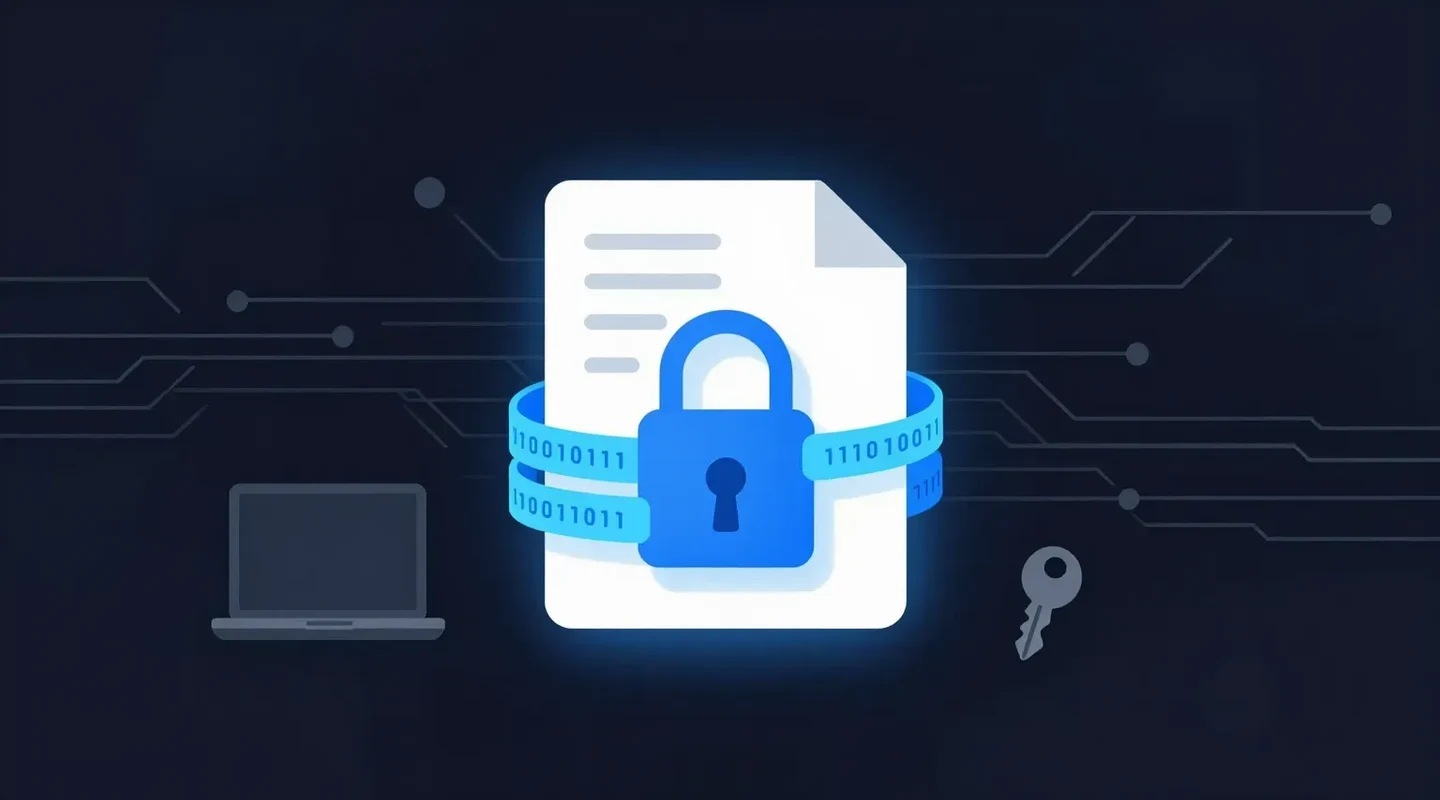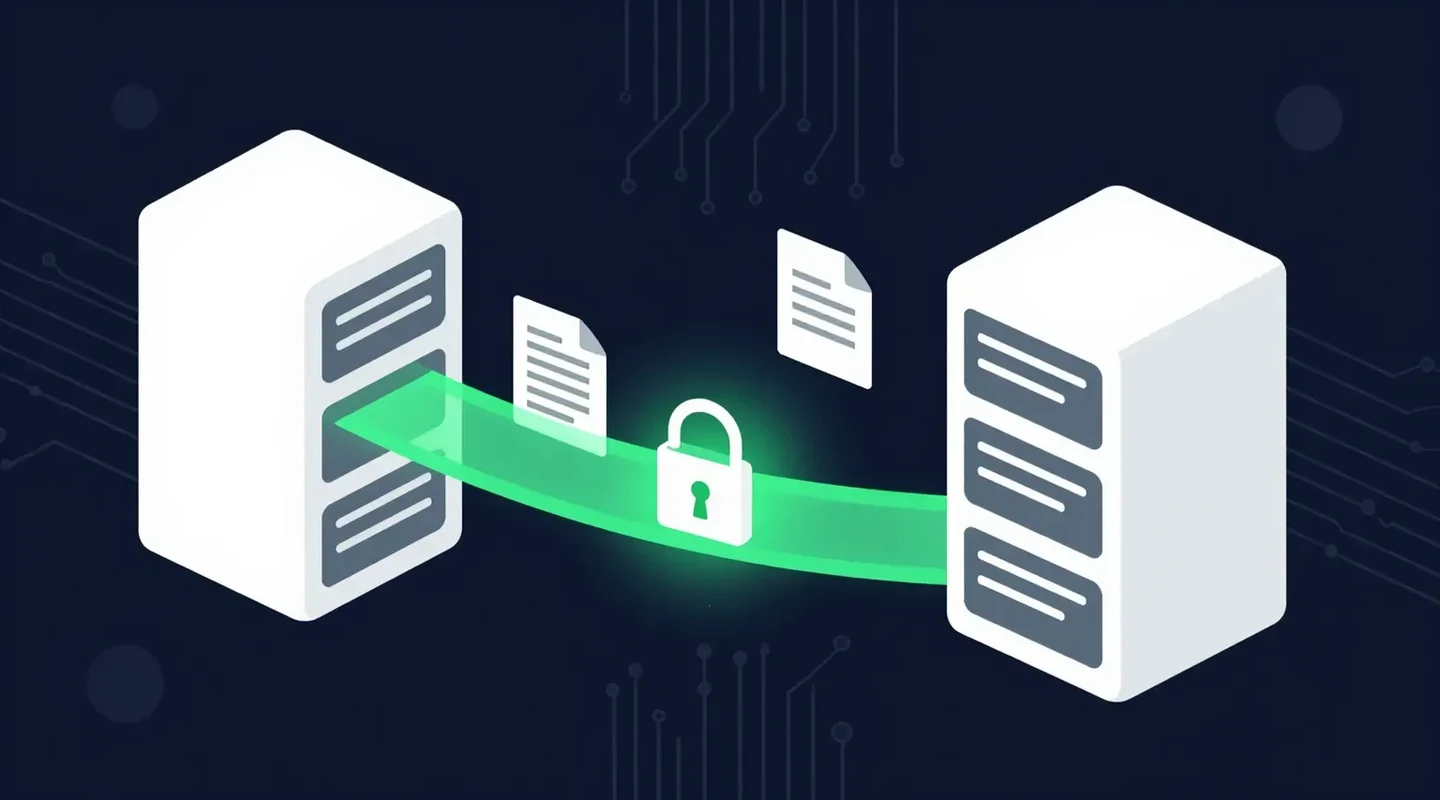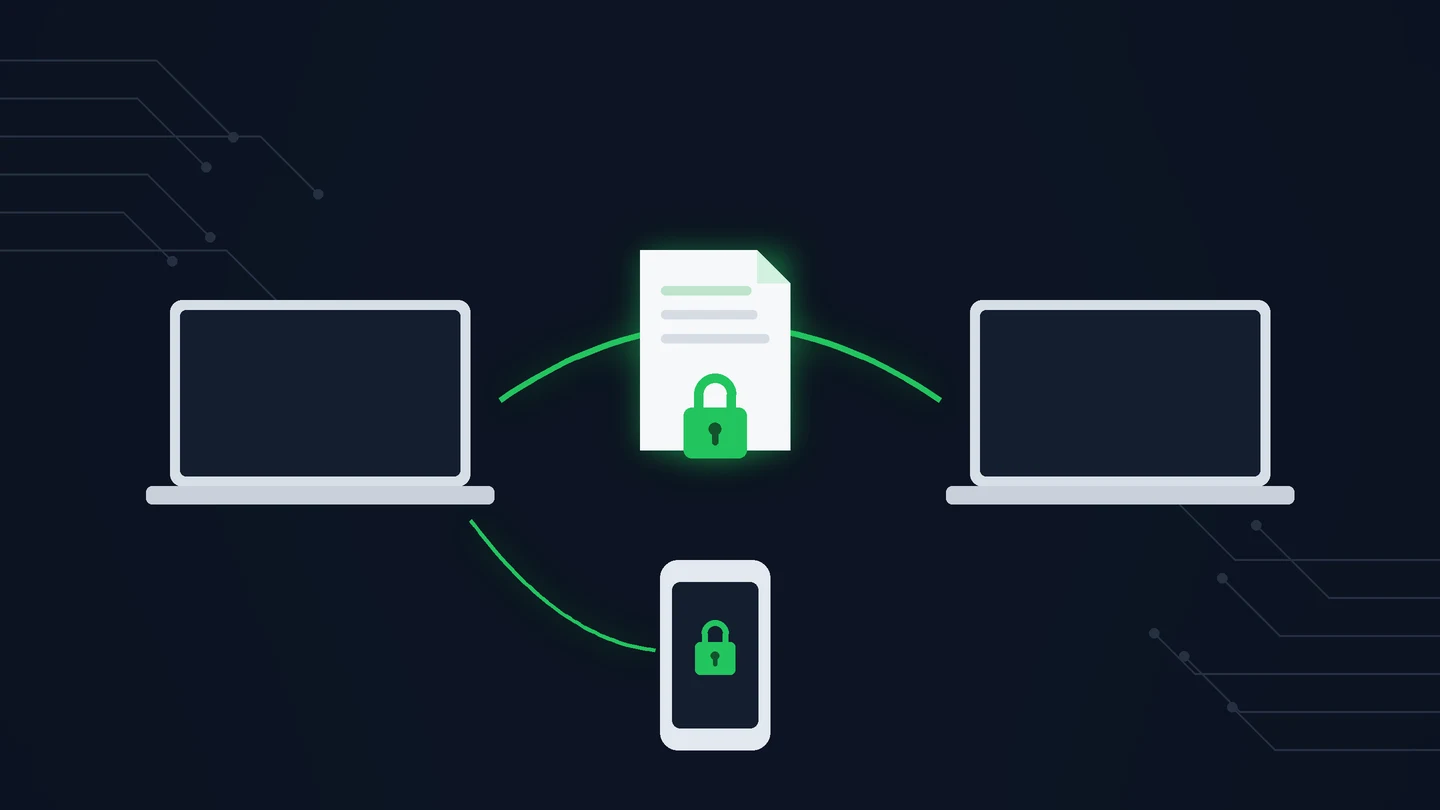
You need to send a client their signed agreement, an employee their payroll documents, or a colleague a large set of files. Email feels risky, the file is too big anyway, and your client has no interest in creating another account.
That is the problem this kind of service solves. This guide explains what a secure file transfer service is, how it differs from email, cloud storage, and SFTP, and how SureSend works, step by step.
Quick Summary
- A secure transfer tool encrypts your files, sends the recipient a protected link, and lets you control access and expiry.
- It is different from SFTP, a technical protocol used mainly by IT teams to move files between servers.
- SureSend uses server-side encryption: TLS in transit and AES-256 at rest, with keys managed by SureSend.
- Each transfer has a passphrase you share separately, an expiry of up to 21 days, and a live status. Recipients need no account.
- SureSend sends up to 2 GB per transfer, and new subscribers get 30 days of Pro free.
In This Guide
- What Is a Secure File Transfer Service?
- Is a Secure File Transfer Service the Same as SFTP?
- Why Aren’t Email and Consumer Cloud Storage Enough?
- How Does SureSend Work?
- How Does SureSend Protect Your Files?
- Who Uses SureSend?
- How Does SureSend Compare With Email and Cloud Storage?
- How Much Does SureSend Cost?
- Frequently Asked Questions
- Sources
- The Bottom Line
What Is a Secure File Transfer Service?
A secure file transfer service is a tool for sending files to a specific person safely. Instead of attaching a file to an email, you upload it to the service, which encrypts it and sends the recipient a protected download link. The best services add access controls, expiry dates, and a record of when the file was retrieved.
Is a Secure File Transfer Service the Same as SFTP?
No. SFTP is a technical protocol for moving files between computers and servers, and it needs server software and setup. A secure file transfer service is a ready-made application for sending files to people, with nothing to install.
The names sound alike, but they solve different problems. SFTP, the SSH File Transfer Protocol, is a technical standard for moving files between computers and servers. It needs server software, credentials, and usually an IT team to set up. A file transfer service, by contrast, is a ready-made application for sending files to people, with nothing to install or configure. For the technical detail, including ports and the difference from FTPS, see our guide to what SFTP is.
| Secure file transfer service | SFTP | |
|---|---|---|
| Built for | Sending files to clients, colleagues, and employees | Automated or bulk transfers between systems |
| Setup | Sign in through a browser | Server, accounts, and configuration |
| Recipient experience | Click a link, enter a passphrase | Needs an SFTP client and credentials |
| Best for | Everyday business documents | IT and system integrations |
Why Aren’t Email and Consumer Cloud Storage Enough?
Email attachments can be misdirected, forwarded and kept indefinitely, and are usually capped at 20 to 25 MB. Consumer cloud links are easy to overshare and often stay live until someone remembers to revoke them.
- Email attachments can be misdirected, forwarded, and kept in inboxes indefinitely, and most providers cap them at 20 to 25 MB.
- Consumer cloud links are easy to overshare, often stay live until someone remembers to revoke them, and can require the recipient to sign in.
- Client portals are secure but often ignored, because clients forget their logins. Our guide on file sharing for lawyers explores this problem.
How Does SureSend Work?
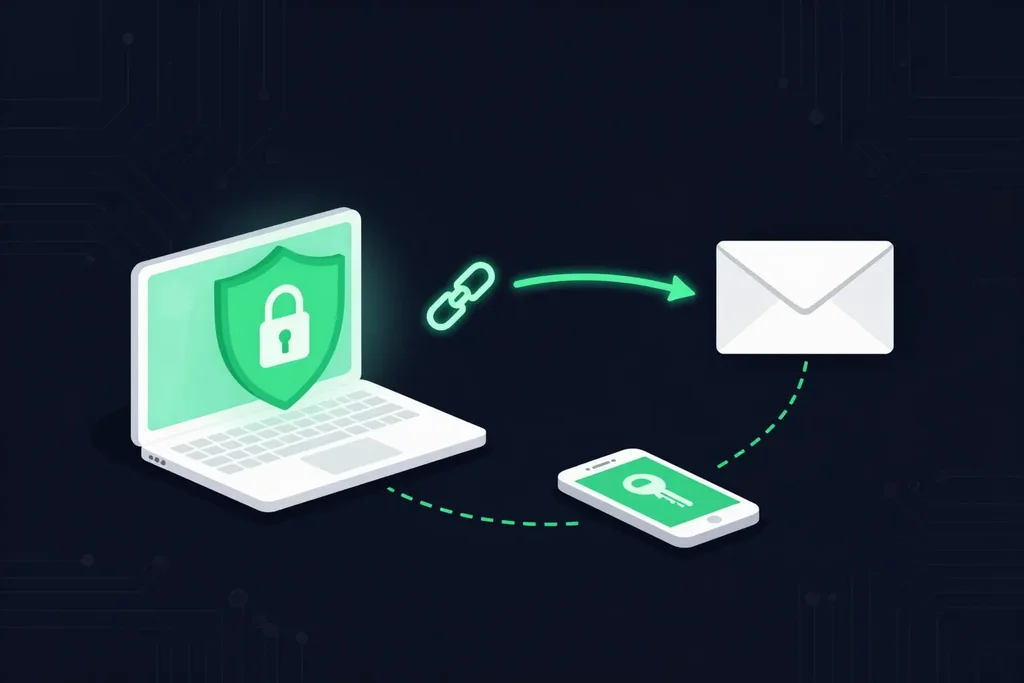
SureSend is a Canadian secure file transfer service that sends files through a passphrase-protected link that expires on a date you choose. It is built for documents that should not sit in an inbox. Here is exactly how it works:
- Create a transfer. Sign in, add one or more recipient email addresses, upload your files, and choose an expiry date of up to 21 days.
- Set a passphrase. SureSend emails each recipient a secure link, but the passphrase is never included in that email. You share it separately, by phone or text.
- The recipient downloads. They open the link, enter the passphrase, and download the files. They do not need a SureSend account.
- Track and control it. Your dashboard shows when the transfer is retrieved. You can cancel it before it is downloaded, and it expires automatically.
Your dashboard shows each transfer’s status as it changes: Created when it is sent, Retrieved when the recipient downloads it, Expired after the date you set, or Cancelled if you revoke it.
How Does SureSend Protect Your Files?
SureSend uses server-side encryption: files are protected with TLS in transit and AES-256 encryption at rest, with encryption keys managed by SureSend. On top of encryption, every transfer is protected by controls you set:
- A passphrase that is never included in the email and is shared separately
- An expiry date of up to 21 days, after which the link stops working
- One successful download per transfer: an interrupted download can be retried, but a completed one cannot be repeated
- The ability to cancel a transfer before it is downloaded
- A live record of when each transfer was retrieved
For more on the difference between encryption in transit and at rest, see why encryption is important.
Who Uses SureSend?
Law firms, accounting firms, payroll and HR teams, healthcare providers, and any business replacing couriers or registered mail for documents that exist as files.
- Law firms sending agreements, disclosures, and court documents. See starting a law firm.
- Accounting firms sending tax returns and financial statements. See how to start an accounting firm.
- Payroll and HR teams sending T4 slips and employee records. See how to safely send T4 slips.
- Healthcare providers sharing patient records under PHIPA.
- Any business replacing couriers and registered mail for documents that exist digitally.
How Does SureSend Compare With Email and Cloud Storage?
SureSend sends up to 2 GB per transfer with TLS and AES-256 encryption, a separately shared passphrase, an expiry of up to 21 days and a retrieval record. Email attachments are capped at 20 to 25 MB, with no access control or expiry.
| Email attachment | Cloud storage link | SureSend | |
|---|---|---|---|
| Size limit | 20–25 MB | Depends on plan | 2 GB per transfer |
| Encryption | In transit (usually) | In transit and at rest | TLS in transit, AES-256 at rest |
| Access control | None | Sharing settings | Passphrase shared separately |
| Expiry | No | Optional | Yes, up to 21 days |
| Know when it was retrieved | No | Sometimes | Yes |
| Recipient account | No | Sometimes | No |
How Much Does SureSend Cost?
SureSend has a free Starter plan. The Pro plan sends up to 2 GB per transfer for $7 CAD per month, plus applicable taxes. New subscribers get 30 days of Pro free, with no credit card required. Compare the options on the pricing page.
- Create your free account.
- Start a transfer: add recipients, upload files, set a passphrase and an expiry date.
- Share the passphrase with your recipient by phone or text.
- Watch the status change to Retrieved.
File Transfers Your Clients Will Actually Use
SureSend uses server-side encryption: TLS in transit and AES-256 encryption at rest, with keys managed by SureSend. Send up to 2 GB per transfer, protect it with a passphrase you share separately, set an expiry of up to 21 days, and see when it is retrieved. Your recipient needs no account. New subscribers get 30 days of Pro free, with no credit card required. Start sending securely for free.
Frequently Asked Questions
Does SureSend use end-to-end encryption?
No. SureSend uses server-side encryption: files are protected with TLS in transit and AES-256 encryption at rest, with encryption keys managed by SureSend. Each transfer is also protected by a passphrase you share separately.
Do recipients need a SureSend account?
No. Recipients open the secure link from their email and enter the passphrase you give them. There is nothing to sign up for or install.
What is the file size limit?
The Pro plan sends up to 2 GB per transfer.
How long do files stay available?
Until the expiry date you set, up to 21 days. You can also cancel a transfer before it is downloaded.
Is SureSend the same as SFTP?
No. SFTP is a technical protocol for moving files between systems. SureSend is a ready-made service for sending files to people through a browser, with no setup.
Does SureSend help with PIPEDA compliance?
It provides safeguards that support compliance, such as encryption, access control, expiry, and a record of transfers. Full compliance also depends on your organization’s policies and practices.
Sources
This article draws on the following sources.
- Office of the Privacy Commissioner of Canada. The Personal Information Protection and Electronic Documents Act (PIPEDA). priv.gc.ca
- Canadian Centre for Cyber Security. Baseline cyber security controls for small and medium organizations. cyber.gc.ca
The Bottom Line
A secure file transfer service should make the safe way to send a file the easy way. Encrypt it, control who can open it, set it to expire, and know when it arrived.
That is what SureSend is built to do. Just SureSend it.