
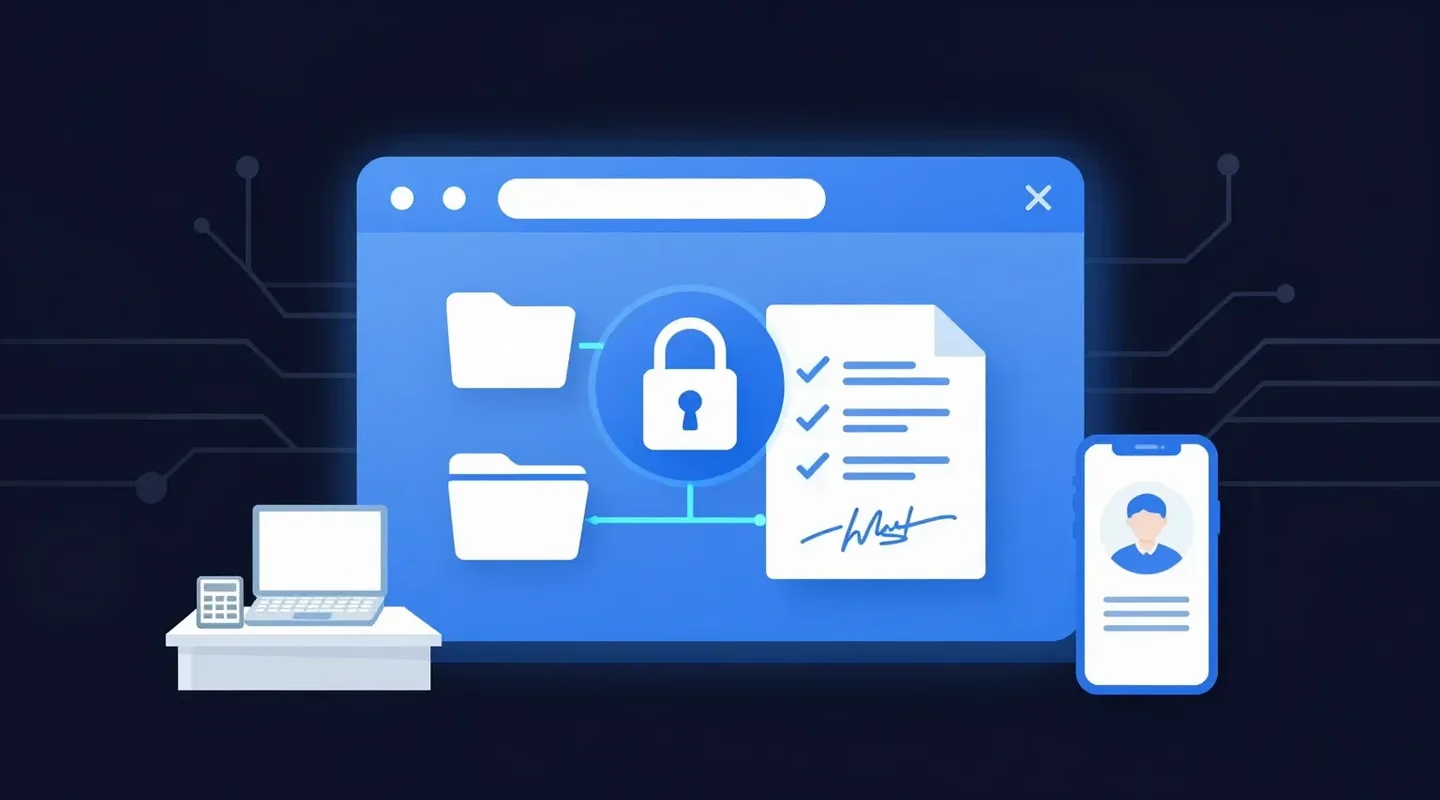
A client portal for accountants is a secure website where a firm and its clients exchange documents, collect signatures and answer requests behind a login, instead of sending tax files back and forth by email. Whether you need one depends on how many clients you serve and how often files move in both directions.
It is March. Your inbox holds 140 unread messages, and a third of them have attachments: T4s, bank statements, a scanned driver's licence. One client sent the same receipts three times. Another is still waiting for the return you sent last week, because it went to an old address.
A portal promises to end all of that. It also costs money, takes time to set up and asks every client to remember one more password. This guide explains what a portal does, what it costs, what the security rules expect, and when a simpler secure link does the job.
Quick Summary
- A client portal is a secure, logged-in space for exchanging files, signatures, requests and messages with clients.
- Portals fit firms with many clients and steady two-way traffic; small firms that mostly send files often do not need one.
- Accounting portals are usually priced per user per month, often with a minimum of two or three users.
- In the U.S., the FTC Safeguards Rule covers professional tax preparers and expects encryption and multi-factor authentication; in Canada, PIPEDA requires safeguards for personal information.
- A passphrase-protected link that expires is a lighter option for sending returns and statements without a portal.
What Is a Client Portal for Accountants?
A client portal for accountants is a password-protected website, usually branded with the firm's name, where clients upload documents, download finished work, sign forms and see what the firm still needs from them. Each client has a login, and the firm controls which folders each client can open.
Most portals combine several tools in one place:
- File exchange: clients upload source documents and download returns, statements and letters.
- Document requests: a checklist of what the firm needs, with reminders until it arrives.
- E-signatures: engagement letters and authorization forms signed without printing.
- Messages and tasks: questions kept next to the files they are about, not lost in email.
- Access control and logs: who can see each folder, and a record of who opened what.
ShareFile, for example, describes its portal as "a password-protected portal for secure collaboration", and SmartVault lists a "custom branded client portal" in every plan.
Do Accountants Need a Client Portal?
Accountants need a client portal when they exchange documents with many clients every week, in both directions, and want requests, signatures and files in one place. A sole practitioner or small firm that mainly sends finished work to clients can often protect those files with a secure, expiring link instead.
Ask yourself four questions:
- How many clients send you files? Dozens a week in tax season is portal territory; a handful a month is not.
- Which direction do files travel? If clients mostly receive from you, the portal's upload and request tools sit unused.
- Will clients actually log in? Every portal adds an account, a password and often a verification code for each client.
- What will it cost per year? Per-user pricing with a minimum seat count adds up for a firm of one or two.
Our guide to starting an accounting firm covers the other tools a new practice needs in its first year; a portal is rarely the first purchase.
Client Portal vs Email vs Secure Link: Which Should You Use?
Use a client portal for ongoing two-way exchange with many clients, a secure expiring link for sending finished work or a one-off batch of files, and plain email only for messages without sensitive attachments. Each option trades convenience for control in a different way.
| Plain email attachment | Client portal | Secure link with a passphrase | |
|---|---|---|---|
| Client needs an account | No | Yes, a login for each client | No |
| Best for | Non-sensitive messages | Ongoing two-way exchange, requests, e-signatures | Sending returns, statements and one-off batches |
| If the address is mistyped | The file is delivered and readable | No access without the client's login | The recipient also needs the passphrase, shared separately |
| How long files stay available | Until someone deletes them | Until the firm removes them | Until the expiry date you set |
| Typical cost | Included with email | Per user per month, often with a minimum | Free plan or a low monthly price |
| Setup | None | Branding, folders, client invitations | Sign in and send |
Email is the riskiest of the three for sensitive files. Our article on whether email is secure explains why, and our guide to sending T4 slips safely shows the same problem in payroll.
What Do Client Portals for Accountants Cost?
Client portals built for accounting firms are usually priced per user per month, with a minimum number of users. On their pricing pages, checked on November 17, 2026, ShareFile starts at $16.50 USD per user per month, TitanFile at $16 USD and SmartVault's accounting plans at $65 USD, billed annually.
| Service | Plan (as of November 17, 2026) | Price | Minimum users | Portal features |
|---|---|---|---|---|
| ShareFile | Advanced / Premium | $16.50–$18.15 USD / $26.00–$28.59 USD per user/month | 3 | Premium adds e-signature, requests, tasks and an enhanced client portal |
| SmartVault | Accounting Pro | $65 USD per user/month billed annually ($85 USD monthly) | 2 | Custom branded client portal; document requests |
| TitanFile | Business Starter | $16 USD per user/month | 2 | Secure file sharing; US, Canadian or EU data residency |
| SureSend | Starter / Pro | Free; Pro $7 CAD/month plus applicable taxes | 1 | Not a portal: passphrase-protected links that expire |
Prices from each vendor's pricing page, checked on November 17, 2026. The minimum matters for a small firm: ShareFile's Advanced plan at $16.50 USD with a three-user minimum costs at least $49.50 USD a month, even if only one person uses it. We compare these services in more depth in our guide to ShareFile alternatives for accountants.
Competitor details: ShareFile pricing, SmartVault pricing, TitanFile pricing.
What Makes a Client Portal Secure?
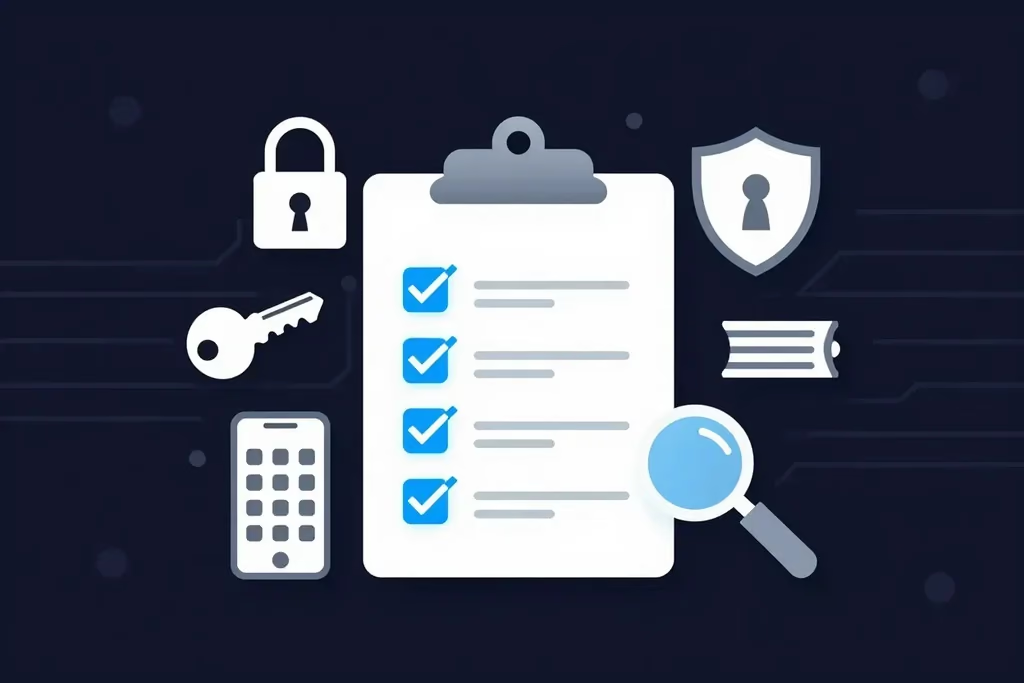
A secure client portal encrypts files in transit and at rest, requires multi-factor authentication to sign in, limits each client to their own folders, logs who opened what, and deletes files you no longer need. In the U.S., the FTC Safeguards Rule expects most of these from tax preparers.
United States: The FTC Safeguards Rule
IRS Publication 4557 says the "financial institutions" definition in the Gramm-Leach-Bliley Act "includes professional tax preparers", and that the Safeguards Rule "requires companies to develop a written information security plan".
The rule itself, 16 CFR 314.4, tells firms to "Protect by encryption all customer information held or transmitted by you both in transit over external networks and at rest" and to "Implement multi-factor authentication for any individual accessing any information system". It also requires controls "designed to monitor and log the activity of authorized users" and secure disposal of customer information "no later than two years after the last date the information is used" for the client, with some exceptions.
The IRS adds its own advice in the same publication: "Encrypt all sensitive files/emails, especially those with the taxpayer's personally identifiable information".
Canada: PIPEDA's Safeguards Principle
In Canada, PIPEDA requires that personal information "shall be protected by security safeguards appropriate to the sensitivity of the information". It lists "technological measures, for example, the use of passwords and encryption" among the methods of protection. Tax and financial records are sensitive, so a firm should choose a channel that matches. Our plain-language guide to PIPEDA covers the other principles.
Questions to Ask a Portal Vendor
- Are files encrypted in transit and at rest?
- Is multi-factor authentication available for staff and for clients?
- Can each client see only their own folders?
- Is there an access log you can export?
- Can you set retention rules so old files are deleted on schedule?
- Where is the data stored, and can you choose the country?
When Is a Secure Link Enough?
A secure link is enough when you mainly send finished work to clients: returns, financial statements, T4s and letters. A passphrase-protected link that expires keeps the file away from the inbox, needs no client account, and shows you when the client downloaded it.
It is a good fit for:
- Sole practitioners and small firms that do not want per-user portal fees.
- Clients who will not log in to a portal, or who only hear from you once a year.
- Sending large files, such as scanned records, that are too big for email.
- One-off requests from a lawyer, lender or other adviser who is not your client.
If you send PDFs, add a second layer with our guide on how to password protect a PDF, and share that password separately too.
A Simpler Option: SureSend
This is where SureSend comes into the picture. SureSend is a Canadian secure file transfer service that sends files through a passphrase-protected link that expires on a date you choose. SureSend encrypts every file while it's sent and while it's stored (TLS in transit, AES-256 at rest). It is not a client portal: there are no shared folders or document requests. It does one job, sending sensitive files to a client, and keeps control of each transfer with you.
Here is exactly how it works:
- Create a transfer. Sign in, add one or more recipient email addresses, upload your files, and choose an expiry date of up to 21 days.
- Set a passphrase. SureSend emails each recipient a secure link, but the passphrase is never included in that email. You share it separately, by phone or text.
- The recipient downloads. They open the link, enter the passphrase, and download the files. They do not need a SureSend account.
- Track and control it. Your dashboard shows when the transfer is retrieved. You can cancel it before it is downloaded, and it expires automatically.
Each transfer allows one successful download. If the download is interrupted, the recipient can try again until one download completes; after that the link cannot be used again, and the transfer's status updates to Retrieved.
Your dashboard lists every transfer with its status, so you can see which clients have retrieved their returns, and cancel a transfer sent to the wrong address before it is downloaded.
Your clients need no account. You can start on the free Starter plan. Pro is $7 CAD/month plus applicable taxes, with transfers up to 2 GB. SureSend doesn't keep your files forever; they're removed when the transfer expires.
Send Client Files Without a Portal
SureSend encrypts every file while it's sent and while it's stored: TLS in transit and AES-256 encryption at rest. Send up to 2 GB per transfer, protect it with a passphrase you share separately, set an expiry of up to 21 days, and see when it is retrieved. Your recipient needs no account. New subscribers get 30 days of Pro free, with no credit card required. Start sending securely for free.
A Quick Workflow That Works
Whether or not you buy a client portal for accountants, this workflow keeps client files out of the inbox:
- Count how many clients send you files each month, and in which direction the files travel.
- If traffic is heavy and two-way, shortlist two or three portals and check encryption, multi-factor sign-in and logs.
- For finished returns and statements, send a passphrase-protected link that expires instead of an attachment.
- Share every passphrase or password by phone or text, never in the same email.
- Delete client files you no longer need, on a schedule you can explain.
- Write the steps into your information security plan, so the whole team does it the same way.
If you can send an email, you can SureSend a file.
Frequently Asked Questions
What is a client portal for accountants?
A client portal for accountants is a secure, password-protected website where an accounting firm and its clients exchange documents, sign forms and track requests. Each client signs in to see only their own files.
What is the best client portal for accountants?
The best client portal depends on your firm's size and software. SmartVault has plans built for accounting firms with a branded client portal and document requests, ShareFile's Premium plan adds requests and e-signature to its portal, and TitanFile lets you choose US, Canadian or EU data residency. Compare per-user prices and minimum users before you commit.
Is a client portal more secure than email?
Usually, yes. A good portal encrypts files, requires a login, often with multi-factor authentication, and logs access, while an email attachment can be forwarded or sent to the wrong address and stays in inboxes until deleted.
How much does a client portal for accountants cost?
Most accounting portals charge per user per month. As of November 2026, ShareFile's pricing page lists $16.50 USD and up per user with a three-user minimum, and SmartVault's accounting plans $65 USD per user billed annually with a two-user minimum.
Do tax preparers have to encrypt client files?
In the U.S., the FTC Safeguards Rule, which IRS Publication 4557 says covers professional tax preparers, requires encryption of customer information in transit and at rest, unless an approved alternative control is used. Canada's PIPEDA requires safeguards suited to the sensitivity of the information.
Is SureSend a client portal?
No. SureSend sends files through a passphrase-protected link that expires; it has no shared folders or document requests. SureSend encrypts files in transit (TLS) and at rest (AES-256), and SureSend manages the encryption keys.
Sources
This article draws on the following sources, checked on November 17, 2026. Prices and plans change often, so confirm them on each vendor's page. This article is general information, not legal advice.
- Legal Information Institute, Cornell Law School. 16 CFR § 314.4: Elements (FTC Safeguards Rule). law.cornell.edu
- Internal Revenue Service. Publication 4557, Safeguarding Taxpayer Data (Rev. 6-2024). irs.gov
- Government of Canada, Justice Laws. Personal Information Protection and Electronic Documents Act, Schedule 1, Principle 4.7 (Safeguards). laws-lois.justice.gc.ca
- ShareFile (Progress Software). Plans & Pricing, accessed November 17, 2026. sharefile.com
- SmartVault. Pricing, accessed November 17, 2026. smartvault.com
- TitanFile. Pricing Plans, accessed November 17, 2026. titanfile.com
The Bottom Line
A client portal for accountants earns its cost when many clients exchange files with you every week. If you mostly send finished work, a secure link that expires protects the file without another login for your clients.
Pick the tool that fits your firm. Then just SureSend it.