A contract needs a signature by Friday. Payroll documents are due to employees. A client is waiting on a closing package. Then the news breaks: another Canada Post labour disruption, and nobody knows how long it will last.
Canada Post has faced repeated labour disruptions in recent years, and each one leaves businesses scrambling for options. This guide covers the practical Canada Post strike alternatives, when a courier is the right choice, and how to move documents to secure digital delivery so the next disruption does not stop your work.
Quick Summary
- During a Canada Post strike, lettermail, registered mail, and parcels sent through Canada Post can be delayed or stopped.
- Private couriers keep operating, but they cost more and can be slowed by a surge in volume.
- Documents that exist digitally can be sent in seconds through secure digital delivery instead.
- Couriers are still the right choice for originals, wet-ink signatures, and physical items.
- Moving routine documents to digital delivery removes the strike risk for good.
In This Guide
- What Happens to Your Mail During a Canada Post Strike?
- What Are the Best Canada Post Strike Alternatives for Documents?
- Should You Use a Courier or Digital Delivery?
- When Do You Still Need a Courier?
- How Do You Move Your Documents to Digital Delivery?
- Frequently Asked Questions
- Sources
- The Bottom Line
What Happens to Your Mail During a Canada Post Strike?
During a full strike, Canada Post can suspend most mail and parcel delivery, and during rotating strikes, service slows region by region. Either way, a backlog builds that can take weeks to clear after the disruption ends. That affects:
- Lettermail and invoices
- Registered Mail, which is delivered by Canada Post, so signature confirmation is delayed as well
- Parcels shipped through Canada Post
- Cheques and documents you are waiting to receive
If you rely on the mail for anything time-sensitive, the time to plan an alternative is before the next disruption.
What Are the Best Canada Post Strike Alternatives for Documents?
The main alternatives are private couriers, local same-day couriers, secure digital delivery, e-signatures, and email used with care. For documents that exist as files, secure digital delivery is fastest and unaffected by any strike.
1. Private Couriers
National and international couriers such as UPS, FedEx, and DHL continue to operate during a Canada Post strike. They offer tracking and signature options, but they cost considerably more than a stamp, and a sudden surge in volume can slow them down.
2. Local Same-Day Couriers
For documents that must physically cross town today, a local courier is fast and reliable. It is also the most expensive option per delivery and only works locally.
3. Secure Digital Delivery
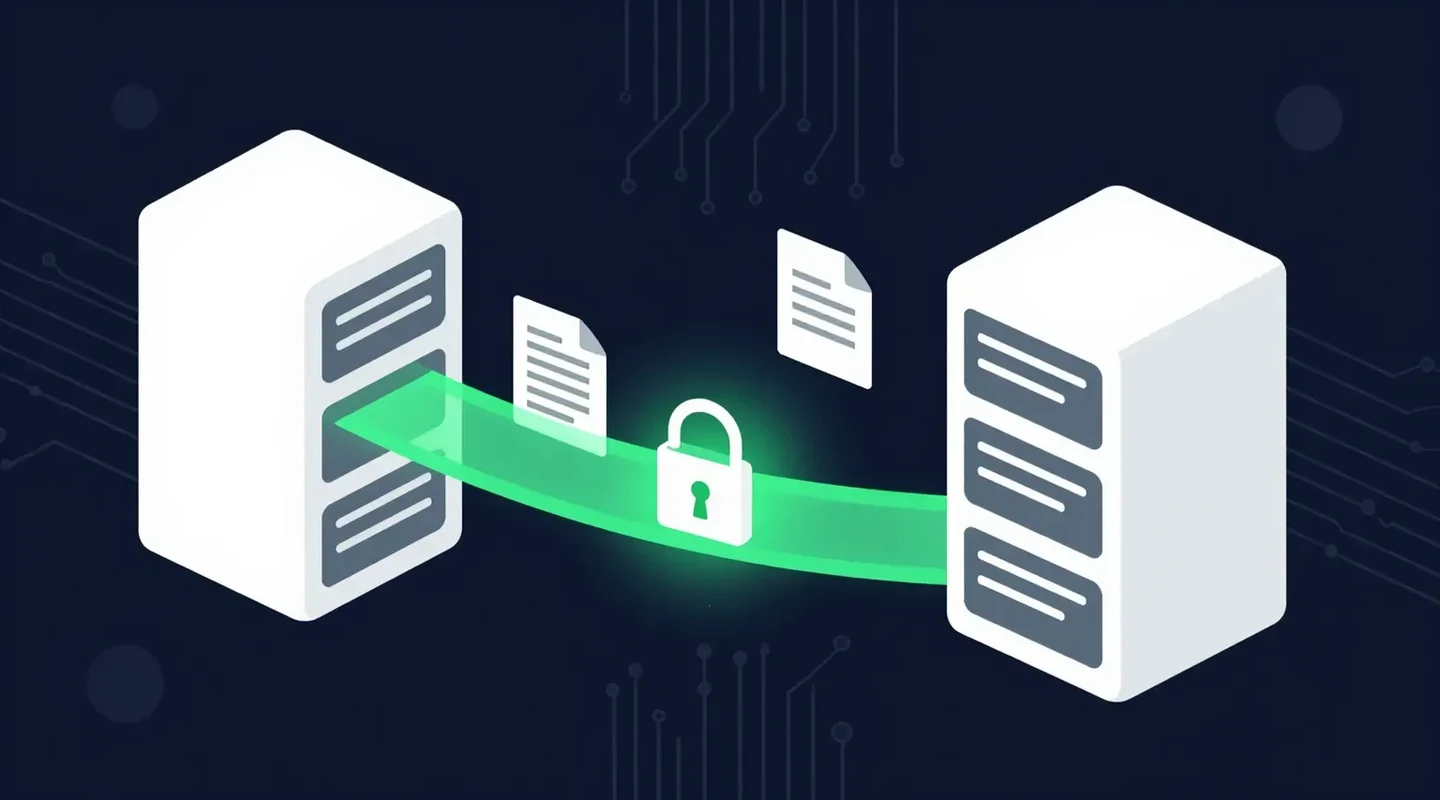
For any document that exists as a file, including contracts, statements, slips, and reports, a secure file transfer service delivers it in seconds with encryption, a passphrase, and a record of when it was retrieved. There is no strike risk, because nothing travels through the mail.
4. E-Signatures
Many agreements that used to be mailed for signature can be signed electronically instead. Combine e-signatures with secure digital delivery and the paper round trip disappears.
5. Email (With Care)
Email works for non-sensitive documents under 20 to 25 MB. For anything confidential, a plain attachment is the wrong channel. See how to send documents securely for safer options.
Should You Use a Courier or Digital Delivery?
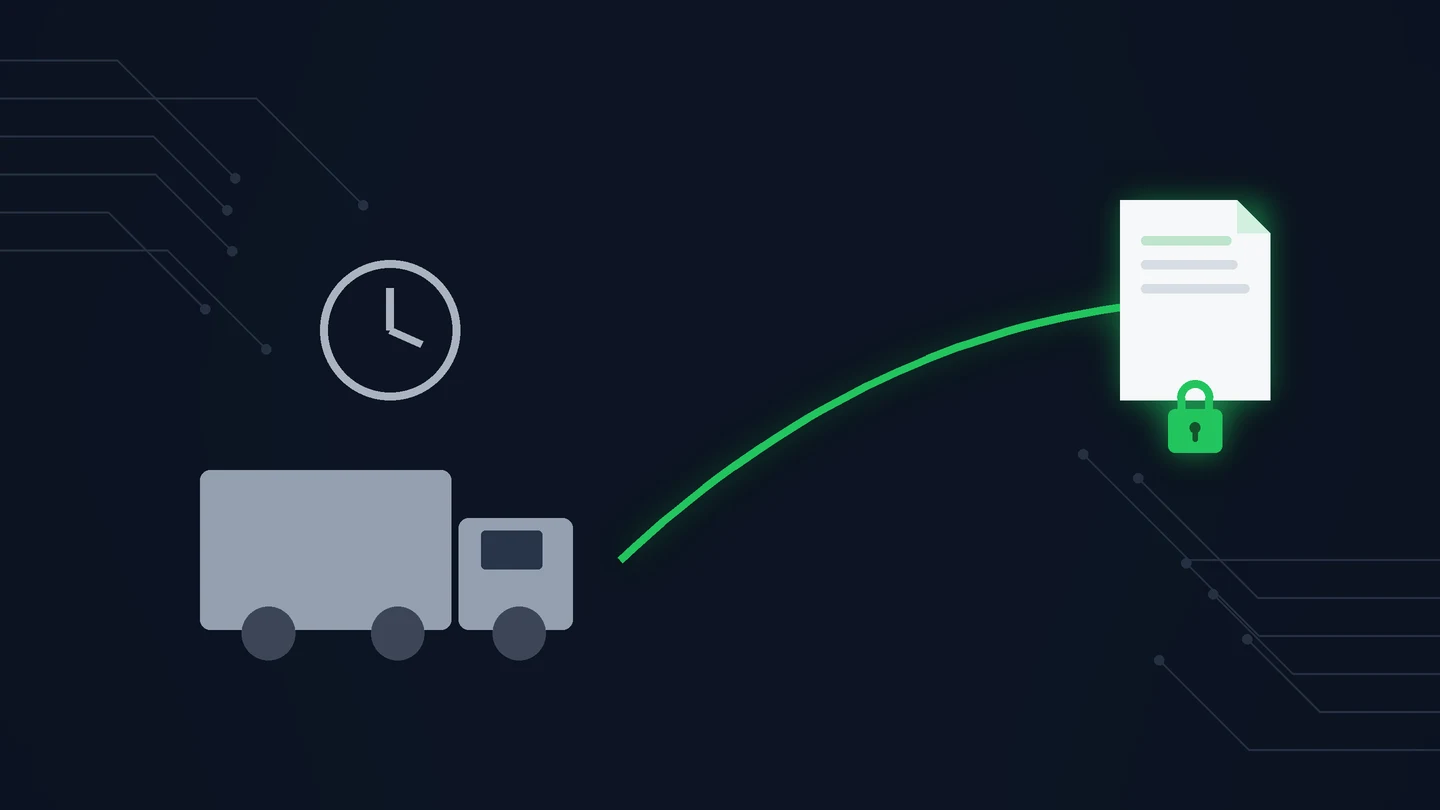
A courier moves paper in hours or days and costs the most per delivery. Secure digital delivery moves a file in seconds, is unaffected by a Canada Post strike, and encrypts the contents.

| Canada Post | Private courier | Secure digital delivery | |
|---|---|---|---|
| Affected by a Canada Post strike | Yes | Indirectly (volume surges) | No |
| Speed | 2–4 business days in Canada | Same day to a few days | Seconds |
| Cost per delivery | Lowest | Highest | Included in a subscription |
| Proof of delivery | Registered Mail signature | Tracking and signature | Retrieved status and time |
| Contents protected | Sealed envelope | Sealed envelope | Encrypted, passphrase-protected |
| Best for | Routine mail | Originals and physical items | Anything that exists as a file |
When Do You Still Need a Courier?
Use a courier for wet-ink originals, physical items, filings that legally require a specific delivery method, and recipients who cannot receive documents electronically.
- Original documents with wet-ink signatures, where a copy is not accepted
- Physical items such as keys, devices, or evidence
- Filings or notices where a specific delivery method is legally required
- Recipients who genuinely cannot receive documents electronically
Everything else, which for most businesses is the large majority of documents, can move digitally.
How Do You Move Your Documents to Digital Delivery?

This is where SureSend comes into the picture. SureSend is a Canadian secure file transfer service that sends files through a passphrase-protected link that expires on a date you choose. SureSend uses server-side encryption: files are protected with TLS in transit and AES-256 encryption at rest, with encryption keys managed by SureSend. Here is exactly how it works:
- Create a transfer. Sign in, add one or more recipient email addresses, upload your files, and choose an expiry date of up to 21 days.
- Set a passphrase. SureSend emails each recipient a secure link, but the passphrase is never included in that email. You share it separately, by phone or text.
- The recipient downloads. They open the link, enter the passphrase, and download the files. They do not need a SureSend account.
- Track and control it. Your dashboard shows when the transfer is retrieved. You can cancel it before it is downloaded, and it expires automatically.
After you send, SureSend reminds you to share the passphrase separately, and your dashboard shows when each transfer is retrieved.
Law firms, accounting firms, and payroll teams feel strikes most. If you send T4 slips in February, or closing documents on a deadline, moving them to digital delivery now removes the risk entirely. Our guide to the Canada Post alternative explains how community mailbox conversions add to the same problem, and our comparison of Canada Post Registered Mail covers when a signature on paper is still worth it.
A Canada Post Strike Alternative That Never Goes on Strike
SureSend uses server-side encryption: TLS in transit and AES-256 encryption at rest, with keys managed by SureSend. Send up to 2 GB per transfer, protect it with a passphrase you share separately, set an expiry of up to 21 days, and see when it is retrieved. Your recipient needs no account. New subscribers get 30 days of Pro free, with no credit card required. Start sending securely for free.
Frequently Asked Questions
What are the best Canada Post strike alternatives?
For physical items and originals, private couriers such as UPS, FedEx, and DHL, or a local same-day courier. For documents that exist as files, secure digital delivery is faster and unaffected by any strike.
Is Registered Mail affected by a Canada Post strike?
Yes. Registered Mail is delivered by Canada Post, so it is delayed or suspended along with regular mail.
Do private couriers keep delivering during a Canada Post strike?
Yes, they operate independently, although a surge in volume can cause delays and some may add surcharges or limit new accounts during a disruption.
Can I send legal documents digitally instead of by courier?
In most cases, yes. Many documents can be delivered and signed electronically. Where a specific method is required by law or by the recipient, check before you switch.
How does SureSend protect documents?
SureSend uses server-side encryption: files are protected with TLS in transit and AES-256 encryption at rest, with encryption keys managed by SureSend. Each transfer is protected by a passphrase you share separately and expires on the date you choose.
Sources
This article draws on the following sources.
- Canada Post. Company and product news. canadapost-postescanada.ca
- Canada Post. Registered Mail. canadapost-postescanada.ca
The Bottom Line
The best Canada Post strike alternatives depend on what you are sending. Keep a courier for originals and physical items, and move everything else to secure digital delivery before the next disruption.
No mailbox. No waiting. Just SureSend it.